Skip to content
Camera roll to keepsake

Four steps.
About twenty minutes.

Most of that twenty minutes is you reading the draft and deciding you like it. The work happens while you are doing something else.

1

Connect

Link a camera roll, a cloud library, a shared album, or drag a folder in. Read-only, and you pick the date range.

~2 min

2

AI curates

Duplicates and blur out, best frames in, days grouped into chapters, captions written, pages laid out.

~6 min

3

Chat to customize

Read the draft. Change anything by typing it. Swap a photo, rewrite a caption, cut ten pages, warm the whole thing up.

as long as you like

4

Print & enjoy

A person checks the file, we print on archival stock, bind it, and ship it. Free delivery on every book.

7–10 days

STEP ONE

Connect

Pick where the photos live. keepsi.ai reads them, never writes to them, and never moves anything. If you change your mind, disconnect and the copy is gone.

  • Google Photos, iCloud, Dropbox, OneDrive, or a plain folder
  • Narrow by date, album, place or person before anything uploads
  • Large libraries stream in the background while you close the tab

CHOOSE A SOURCE

Camera roll
This device · 12,486 photos
Google Photos
Connected · read-only
Shared album
“Alps 2024” · 4 people
Selected: May 2024Sep 2024 · 3,412 photos · nothing has left your account yet.

STEP TWO

AI curates

This is the step that used to be a weekend. keepsi.ai works through the whole set, decides what earns a page, and writes the thread that holds it together.

Sort and score

Sharpness, framing, eyes open, horizon level. Near-duplicates collapse to one.

Group into chapters

Time and place become days; days become the chapters of the book.

Write the captions

Short, specific, and about what happened, not about how lovely the light was.

Lay out the pages

Full bleeds where the photo deserves it, grids where the story moves fast.

BUILDING YOUR BOOK

92%
3,412 photos scanned
1,088 duplicates set aside
214 blurred frames removed
9 chapters found
writing captions for chapter 8
Chapter 4 — the long way round
Someone said the ridge was worth it.
6:40pm
It was.

STEP THREE

Chat to customize

The draft is a starting point, not a verdict. Everything in the book responds to plain sentences, and nothing you change is permanent until you order.

Make all photos full page Cut it to 30 pages Remove blurry photos Add a sunset to this photo Put the lake photos first Shorter captions Cluster similar photos Use the green cover

Prefer to nudge things by hand? Drag any photo, resize any frame, retype any caption. The chat and the canvas are the same book.
Make all photos full page
Done! Updated 24 pages.
Add a sunset to this photo
Remove blurry photos
Make this photo sharper
Cluster similar photos together
Remove the person in the background
Tell keepsi.ai what you want...

STEP FOUR

Print & enjoy

Order and the file goes to a press, not a printer. Someone looks at it first. If what arrives is not right, we make it right.

Human proof

A real person checks crops, spines and colour before press.

Free shipping

7–10 business days, tracked, on every order.

Reprint guarantee

Damaged, off-colour or just wrong? We reprint it free.

Ship as a gift

Straight to someone else, with a note and no paperwork.
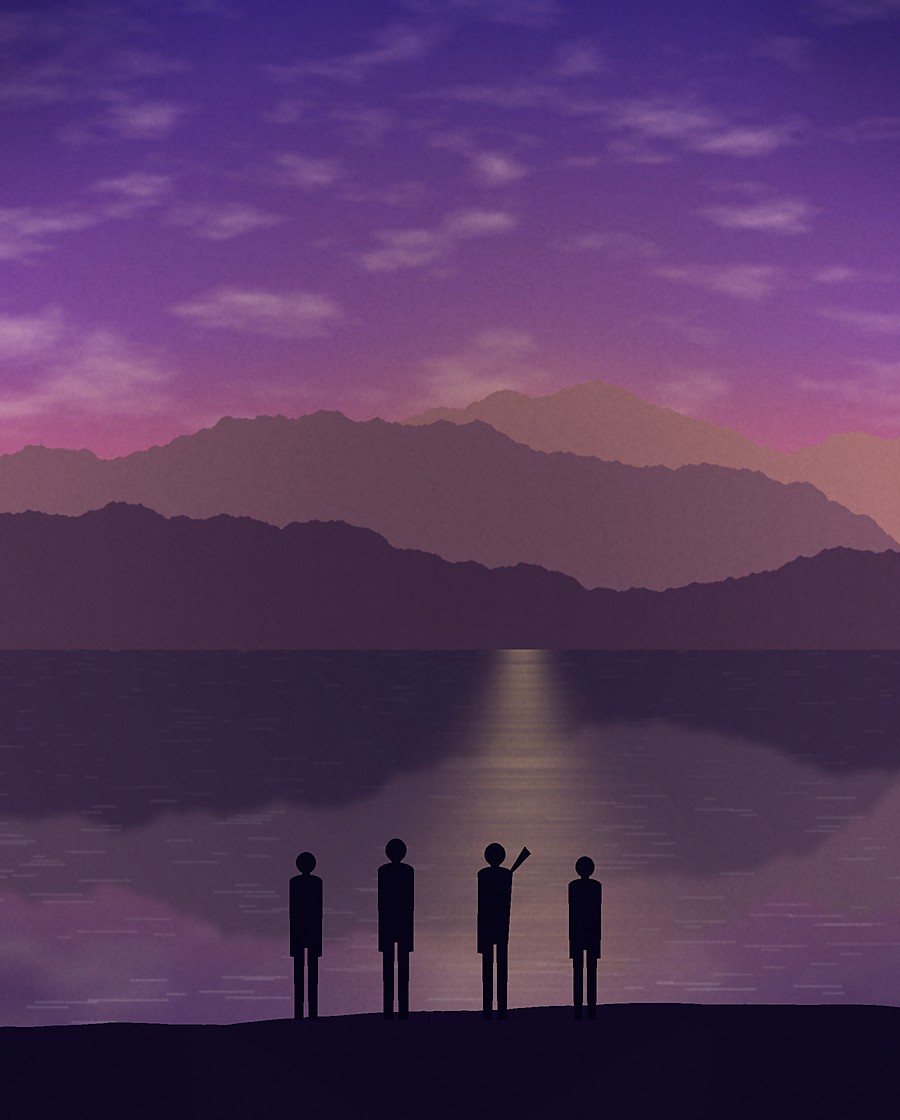
A finished keepsi.ai hardcover photo book
Our Summer Adventure2024
Printed & bound
Arriving Tue, 12 Sep

Questions people actually ask

How many photos do I need?
Around 150 is enough for a good 40-page book. There is no upper limit that matters, and bigger libraries usually produce better books because there is more to choose from. The engine is designed to work at the scale of a full decade of photographs.
What if the AI picks the wrong photos?
Then you say so. “More of the kids, fewer landscapes” or “drop everything from the second day” both work. You can also open the rejected pile and pull anything back in.
Can other people help build the book?
Yes. Invite anyone who was there and they can add photos and captions from their own library. You keep final approval, and contributors never see the rest of your library.
Do I have to print it?
No. Building and revising books is free. You pay when you order a printed copy. Every book also gets a private digital edition you can share by link.
What happens to my photos afterwards?
They stay in your account until you delete them. They are never used to train models and never shared. Delete the project and the copies are removed for real, not flagged as hidden.
Can I use my own layout instead?
Yes. Start from a blank book and place everything yourself, or take the AI draft and rearrange it. The chat still works either way.

Step one takes two minutes.

Connect a library and read the draft. Decide after that.